 Sally
SallyDownload
Download Sally
Sally is a portable zip: unpack it anywhere and run sally.exe. There is no installer and nothing to uninstall. Version 1.0.41, released recently.
Release notes · SHA-256 checksums · Changelog · All releases
Which file do I need?
| File | For |
|---|---|
Sally-v…-x64.zip | 64-bit Windows on Intel and AMD processors. Pick this if unsure. |
Sally-v…-ARM64.zip | Windows on ARM laptops and tablets, such as Snapdragon-based Surface and Copilot+ PCs. Runs natively, not emulated. |
Sally-v…-x86.zip | 32-bit Windows. |
Sally-v…-pdb.zip | Debug symbols, only needed to analyse a crash dump. |
Sally-v…-SHA256SUMS.txt | Checksums of every file in the release. |
Install and update
- Unpack the zip to a folder you can write to, for example
C:\Tools\Sally. Keep theplugins,lang,toolbarsandutilsfolders next tosally.exe. - Run
sally.exe. On the first start Sally asks for your language and sets up its plugins. - To update, use Help › Check For New Versions (Sally also checks by itself, weekly unless you change it): when a new release is out, Install and Restart in the update window downloads it, checks it against the release's SHA-256 checksum, closes Sally, replaces the files and starts Sally again. Your settings are kept. Without an Internet connection, download the zip (and its
SHA256SUMS.txt) and drop the zip ontoutils\salupdate.exe. Sally 1.0.35 and older don't have the updater yet: close Sally and unpack the new version over the old folder once. Details: Installing and Updating Sally.
Check the download
In PowerShell, compare the hash with the one in SHA256SUMS.txt:
Get-FileHash .\Sally-v1.0.41-x64.zip -Algorithm SHA256Requirements
- Windows 10 or Windows 11, on x64, ARM64 or x86. Sally's code still targets the Windows 7 API, but compatibility with older Windows versions is not guaranteed.
- The Web Viewer needs the Microsoft Edge WebView2 Runtime, which Windows 10 and 11 already include.
- No .NET and no separate Visual C++ runtime: the zip carries what it needs.
Where settings live
Settings are stored per user in the registry under HKEY_CURRENT_USER\Software\Sally. Options › Export Configuration saves them to a .reg file, and starting Sally with -C file.reg imports them, which is handy for moving to a new PC. The first time it starts, Sally offers to import the settings of an existing Open Salamander 5.0 or Altap Salamander installation.
Linux and Wine
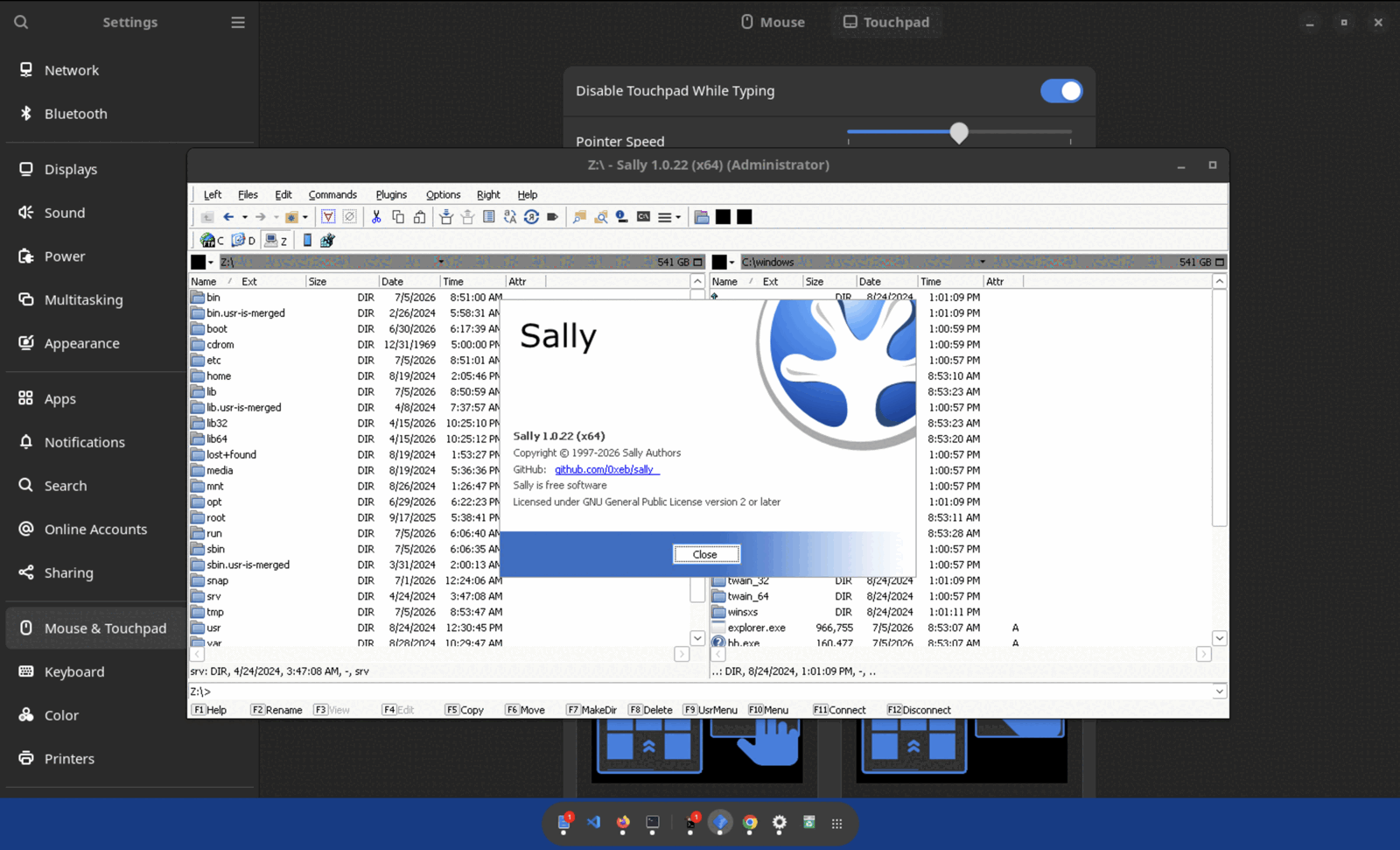
Sally runs under Wine 10.0 and newer, including WineHQ 11.0 on Ubuntu 24.04. It needs no .NET, Wine Mono or Wine Gecko; if Wine offers to install them, choose Cancel.
sudo apt install --install-recommends winehq-stable
unzip Sally-v*-x64.zip -d ~/tools/sally
cd ~/tools/sally && wine sally.exe
The Wine guide covers adding the WineHQ repository, a launcher command and troubleshooting.
Source code
Sally is free software under the GNU GPL version 2 or later. The source is on GitHub, and Developers explains how to build it.